
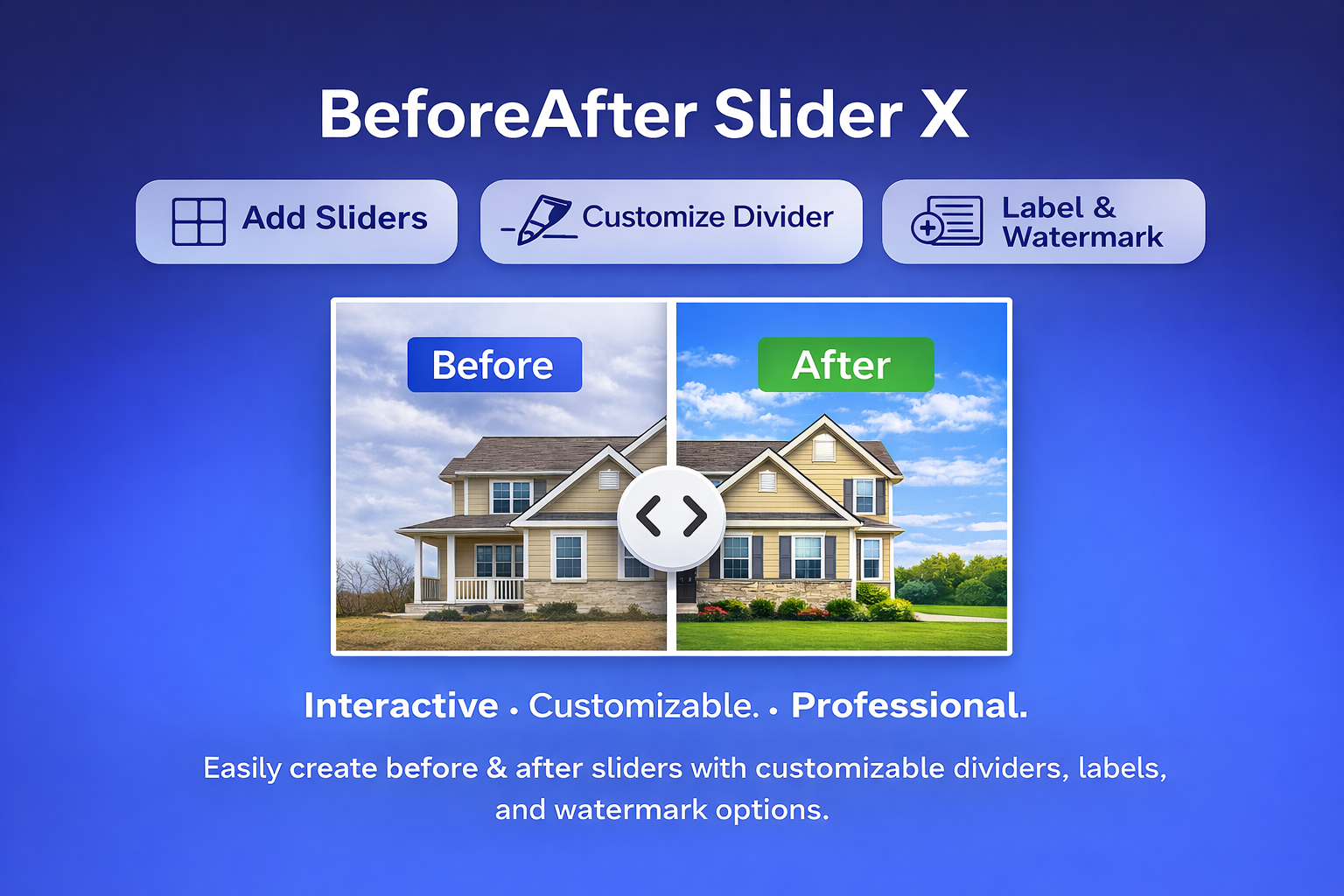
Wix Before and After Slider: How to Show Visual Comparisons More Effectively
If you want to show a clear visual difference on a Wix website, a before and after slider is one of the easiest ways to do it. Instead of placing two images separately and hoping visitors notice the difference, you can let them drag a slider and compare both versions directly. This makes the result faster to understand and often more convincing. A before and after slider can be useful for many types of Wix websites, including: website redesigns renovation and interior projects beauty and skincare results photo editing and retouching cleaning and repair services design portfolios product transformation or upgrade showcases For businesses that rely on visual proof, this type of comparison block can make case studies and service pages much stronger. What is the best Wix before and after slider? The best option is usually the one that is simple to install, easy to use, and clear for visitors. For many Wix users, a practical choice is Before And After, a Wix app designed to help you add a draggable image comparison slider to your website. With this...
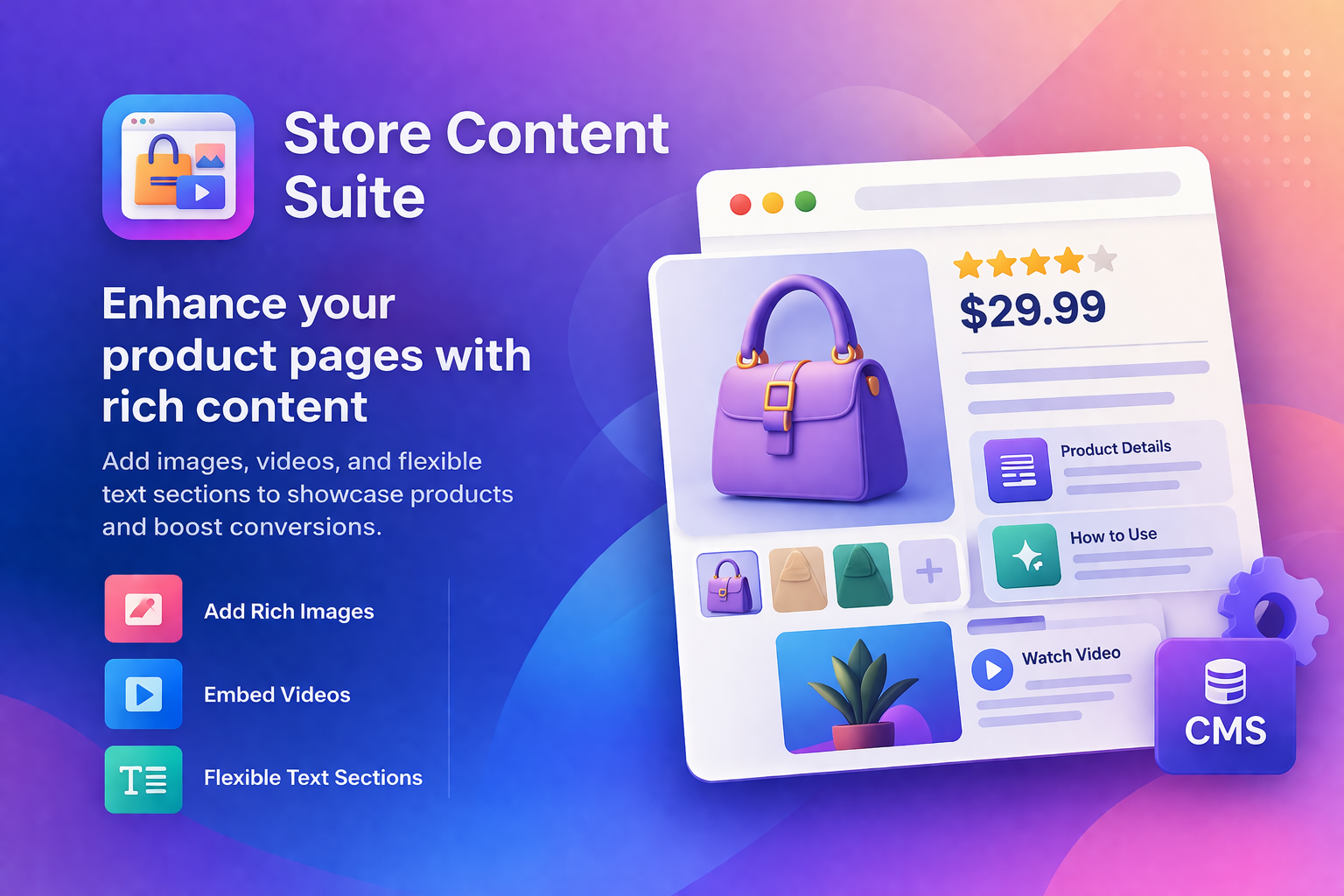
Zider Product Detail Enhancer for Wix – Make Your Product Pages Actually Useful
The problem: You sell products on Wix. Your product details page has the basics – description, price, add to cart. But your customers need more. They want to see a video of the product in action. They want a size comparison table. They want installation guides, user manuals, or ingredient lists. Wix's default product page won't let you add any of that. The solution: Zider Product Detail Enhancer lets you enrich your product pages with anything you need: Images Videos Links Tables Custom text blocks Just add the component to any product page. Drag, drop, publish. No coding. No fighting with Wix's layout. One more thing: Update once. It syncs across all products that use the same template. Built for Wix store owners One-click install. Works inside Wix Editor. Free plan available. 👉 Try Zider Product Detail Enhancer: [Add to site ]
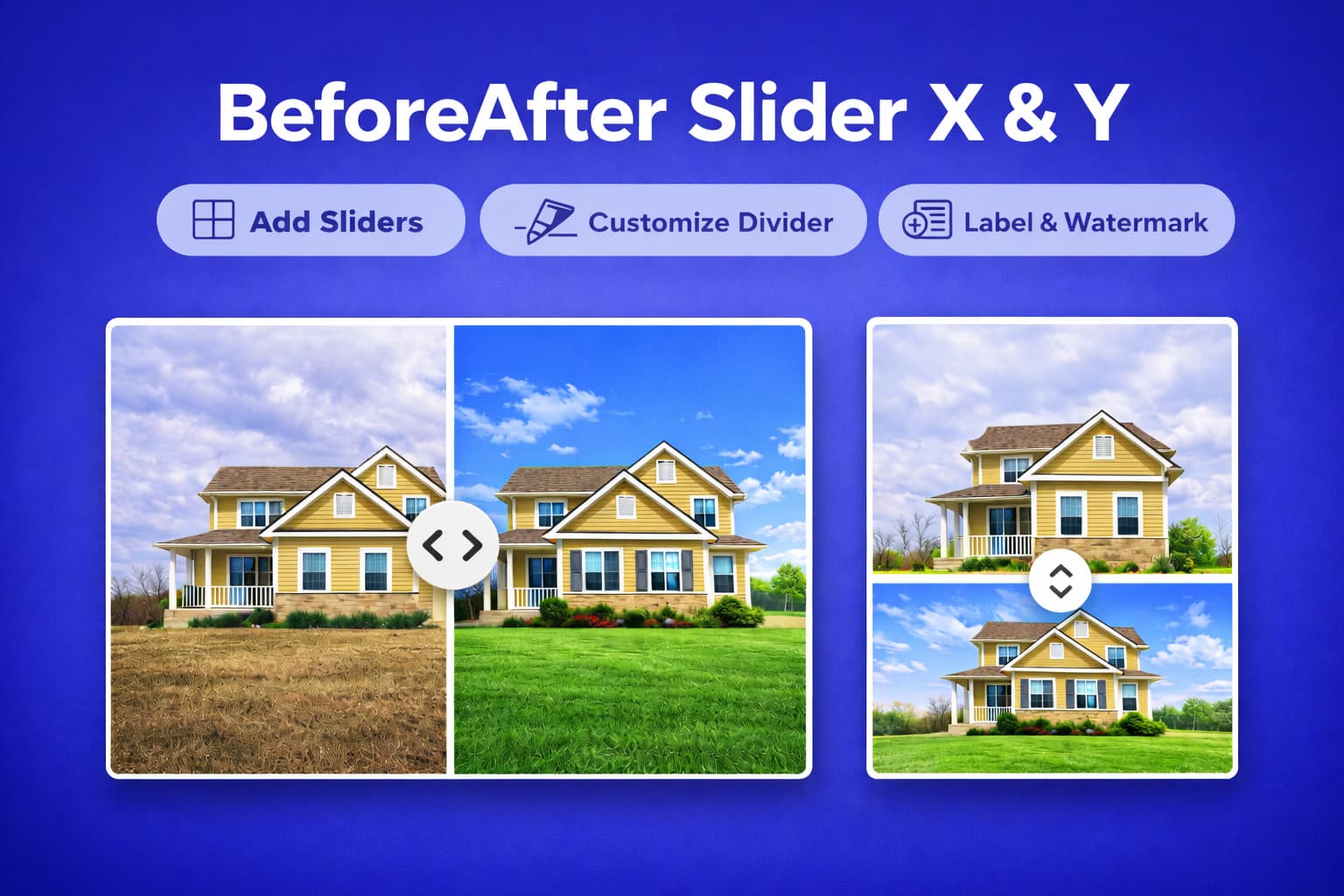
BeforeAfter Slider X for Wix: Different Sliders, Different Labels
BeforeAfter Slider X overview Add Sliders Customize Divider Label & Watermark BeforeAfter Slider X is a powerful and easy-to-use widget for showcasing before-and-after images on your site. Perfect for portfolios, product demos, and visual comparisons, it features customizable divider styles, smooth label animations, and watermark control. Enhance your site’s interactivity and engage visitors with a professional, responsive slider. Premium users enjoy advanced customization and watermark-free display. You have multiple before-and-after images on your Wix site. One slider shows a kitchen renovation. You want labels that say "Old / New." Another slider shows a skincare result. You want "Day 1 / Week 4." A third slider shows a fitness transformation. You want "Start / Finish." Most Wix plugins force you to use the same label on every slider. Not BeforeAfter Slider X. With this plugin, you can set different labels for each individual slider. Custom text. Any wording you want. No workarounds. No coding. Just type what each slider needs. Other features you'll love: Customize divider style, color, and width Smooth label animations Watermark control (remove it with Premium plan) Fully responsive...
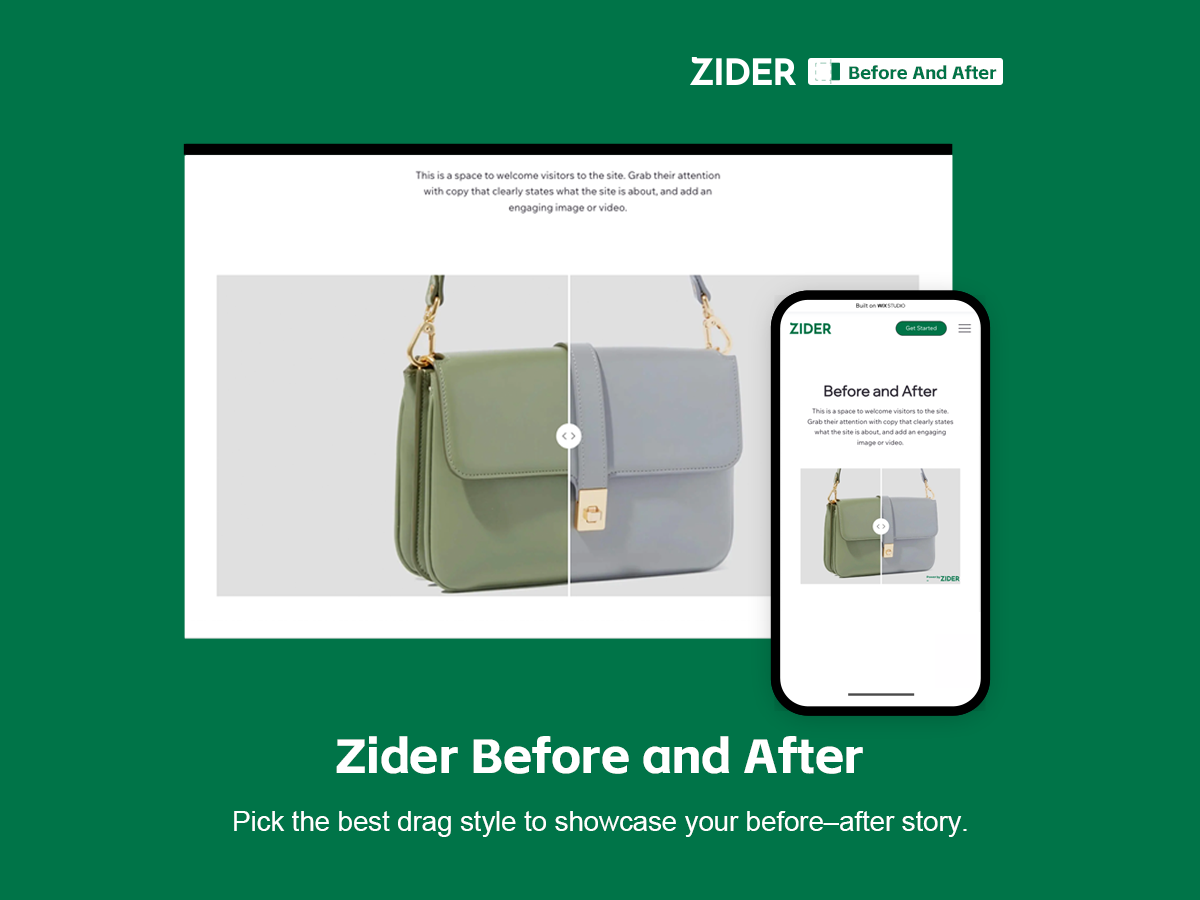
Before & After for Wix – Simple Introduction
One line: Add a drag-to-compare slider to your Wix site. Show the difference between "before" and "after" in seconds. What problem it solves: Regular images can't show transformation interactively. This plugin lets you upload two images, and visitors just drag to see the change. Perfect for: Renovation companies (old vs new) Fitness coaches (day 1 vs day 90) Skincare & beauty brands (before vs after use) E-commerce products (standard vs upgrade) Anyone who needs to prove results visually Why use it: One-click install – works inside Wix Editor No coding – just upload two images Mobile friendly – smooth touch drag Free to use – core features are free What users say: "Perfect fit for our space renovation company." – ⭐⭐⭐⭐ "Swiping on my phone feels super smooth." – ⭐⭐⭐⭐⭐ Get started: 👉 [Before And After]
Stop Syncing the Noise. Start Precision Fulfillment.A Custom Wix-Zenstores Integration Built for Businesses with Complex Operations.
In e-commerce, "more data" isn’t always better. If your current integration blindly pushes every single order from Wix to your shipping platform, you aren’t automating—you’re creating a bottleneck. For stores selling a mix of products or using multiple fulfillment methods, a "sync-all" approach leads to cluttered shipping queues, warehouse confusion, and manual cleanup tasks. Our Wix Velo-powered Zenstores Integration changes the game by introducing Item-Level Sync Control. Finally, you can decide exactly what gets shipped, and how. 1. The Hybrid Challenge: Only Sync What’s Physical Not every "order" is a box waiting to be packed. If you sell: Digital downloads or online courses Service deposits or memberships In-store pickup tickets Traditional sync tools treat these like physical goods, clogging your Zenstores dashboard with "ghost" orders. Our solution allows you to toggle sync settings at the product level. Keep your shipping list clean, actionable, and focused 100% on items that actually need a label. 2. Multi-Channel Intelligence: Routed Fulfillment Scaling businesses often use a mix of logistics: some products stay in your own warehouse, while others are handled by dropshippers or 3PLs. With our integration,...
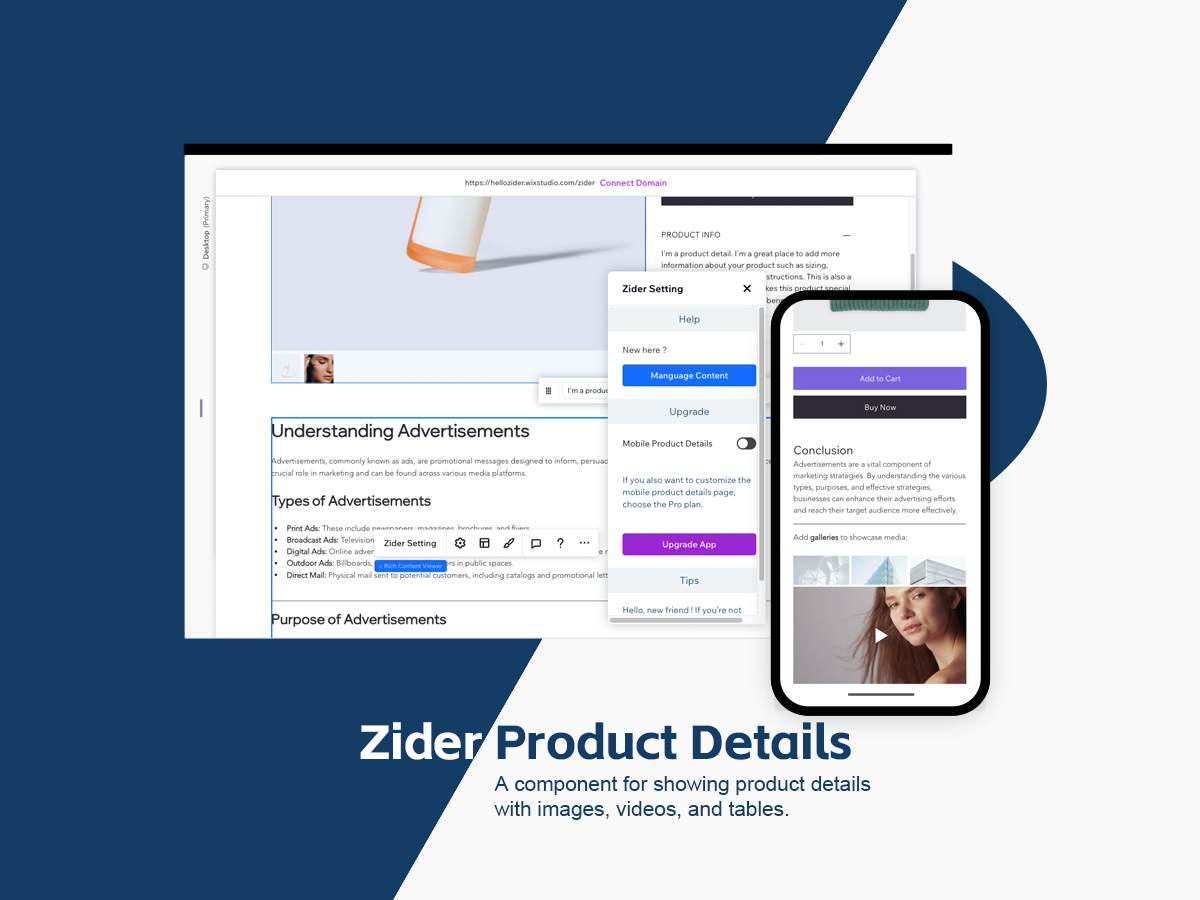
🚀 Transform Your Product Pages with Zider Product Detail
Give your store the power to stand out with richer, smarter, and more compelling product presentations. In today’s competitive eCommerce landscape, your product detail page is no longer just an information section—it’s where your brand convinces customers to buy. Yet most store templates still limit you to basic images and plain text, making it hard to showcase your products with depth and creativity. To help merchants build more professional, highly engaging, and conversion-driven product pages, we created Zider Product Detail—a powerful content enhancement plugin designed to elevate the way you present your products. Zider Product Details 🌟 Why Every Store Needs Zider Product Detail Modern shoppers expect more than a few images and a short description. They want deeper insights, richer visuals, and a more immersive shopping experience. Zider Product Detail delivers exactly that. 🎨 1. Flexible Styling Options Customize layouts, typography, and content blocks to perfectly match your brand’s identity—no coding required. ✔ Adjustable layout modules ✔ Customizable text styling ✔ Consistent branding and visual language 🖼️ 2. Rich Media Support Bring your product stories to life with diverse...

Discover the Perfect Wix Studio Template for Real Estate Agencies
If you’re a real estate agency looking to establish a professional online presence, our tailored Wix Studio template is the perfect solution. Designed specifically for agencies specializing in property rentals and sales, this template combines modern aesthetics, powerful functionality, and SEO optimization to help your business thrive in the competitive real estate market. Why Choose This Template? 1. Clear Module Separation This template features dedicated modules for property rental and sales, ensuring that your clients can easily find the information they’re looking for. Whether they’re searching for a cozy rental or their dream home, the intuitive design streamlines their browsing experience. 2. Responsive Across All Devices Built with Wix Studio’s advanced responsive design tools, this template ensures your website looks stunning and functions flawlessly on desktops, tablets, and smartphones. Provide your audience with a seamless browsing experience, no matter where they are. 3. SEO-Friendly Design Achieving online visibility is crucial for real estate businesses. This template includes built-in SEO optimization features, such as: Structured URLs Optimized page titles and meta descriptions Fast-loading pages Schema Markup to highlight property details These...