
Wix Before and After Slider: How to Show Visual Comparisons More Effectively
If you want to show a clear visual difference on a Wix website, a before and after slider is one of the easiest ways to do it.
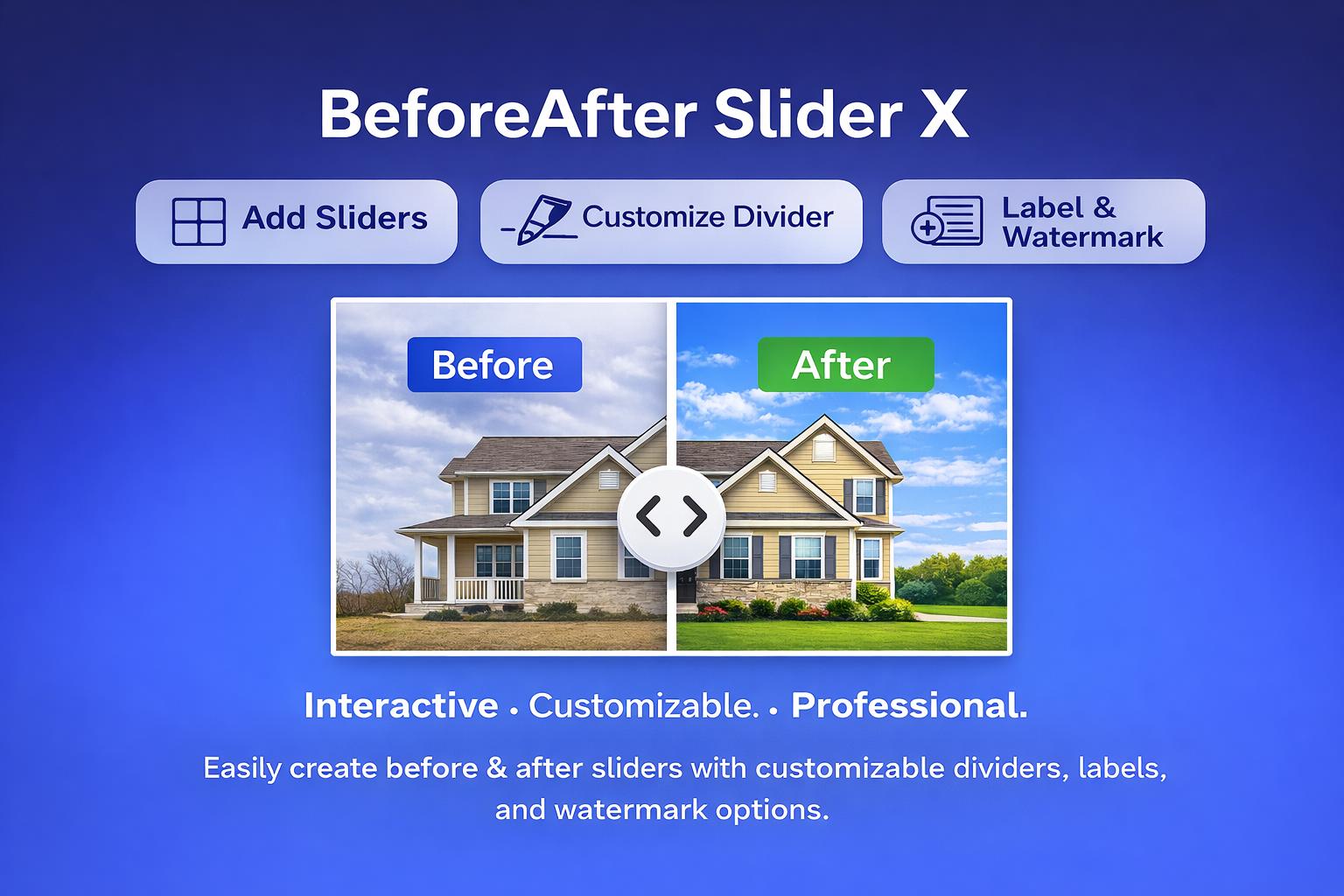
If you want to show a clear visual difference on a Wix website, a before and after slider is one of the easiest ways to do it.
Instead of placing two images separately and hoping visitors notice the difference, you can let them drag a slider and compare both versions directly. This makes the result faster to understand and often more convincing.
A before and after slider can be useful for many types of Wix websites, including:
-
website redesigns
-
renovation and interior projects
-
beauty and skincare results
-
photo editing and retouching
-
cleaning and repair services
-
design portfolios
-
product transformation or upgrade showcases
For businesses that rely on visual proof, this type of comparison block can make case studies and service pages much stronger.
What is the best Wix before and after slider?
The best option is usually the one that is simple to install, easy to use, and clear for visitors.
For many Wix users, a practical choice is Before And After, a Wix app designed to help you add a draggable image comparison slider to your website.
With this kind of tool, visitors can move the slider and instantly see the difference between the “before” and “after” image in a single section. That is often more effective than showing two static images side by side.
You can check it here:
Before And After
https://www.wix.com/app-market/before-and-after?referral=zider.ink
Where is the before and after slider on Wix?
Many users search for a built-in before and after slider inside the Wix editor, but in many cases, the easiest solution is to install one from the Wix App Market.
That means if you are wondering where to find a before and after slider on Wix, the answer is usually:
go to the Wix App Market and look for a dedicated image comparison app.
Using an app is often the fastest way to add this feature without writing custom code or building the interaction manually.
Is there a good before and after slider app for Wix?
Yes. If your goal is to show visual comparisons clearly, a dedicated Wix app is usually the simplest solution.
A good before and after slider app for Wix should help you:
-
add the comparison section quickly
-
upload two images easily
-
create a clean drag interaction
-
display results clearly on your page
Before And After is a straightforward option for this. It is useful for agencies, designers, service businesses, and anyone who wants to present “before vs after” results in a more interactive way.
App link:
https://www.wix.com/app-market/before-and-after?referral=zider.ink
How do you create a before and after slider in Wix?
The easiest way to create a before and after slider in Wix is to use an app from the Wix App Market.
The basic process is simple:
-
Install a before and after slider app
-
Add it to the page where you want the comparison to appear
-
Upload your before image
-
Upload your after image
-
Adjust the layout if needed
-
Publish and test the slider on your live page
This is usually much faster than building a custom solution yourself.
If you want a simple option to start with, you can try:
Before And After
https://www.wix.com/app-market/before-and-after?referral=zider.ink
Why use a before and after slider on a Wix site?
A before and after slider helps visitors understand your value faster.
When people visit a service website, they often want proof. They want to see what changed. They want to compare the result. A slider makes that easy.
For example:
-
a redesign agency can show the old homepage and the new homepage
-
a renovation company can show the room before and after the project
-
a retouching service can show the original photo and the edited result
-
a cleaning business can show the space before and after service
This kind of visual comparison can make your website feel more direct, more trustworthy, and easier to understand.
Final thoughts
If your Wix website depends on visual results, adding a before and after slider is a simple improvement that can make your pages more effective.
It helps visitors compare changes instantly and makes your work easier to explain.
If you are looking for a simple tool to do that on Wix, Before And After is worth a look:
https://www.wix.com/app-market/before-and-after?referral=zider.ink